


Recorder
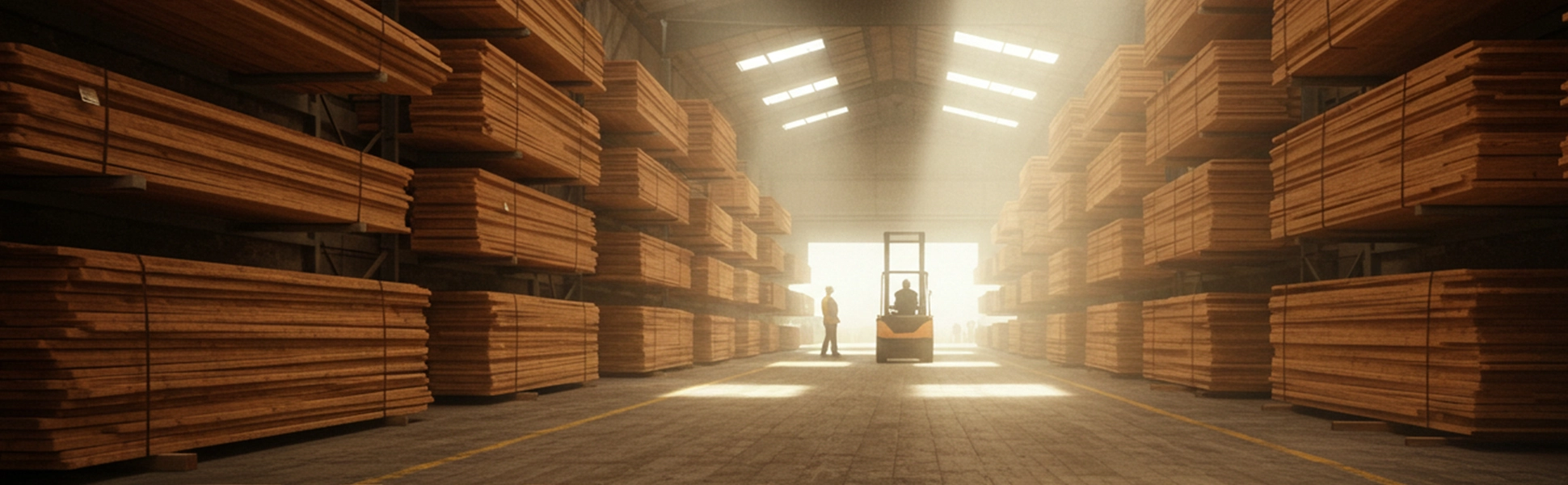
Professional recorder into the field for recording logs and lumber
 Forest Shepherd Inc.
 Trevor C.
 Tomasz W.Piotr N.
 Сергій К.
 Ivan H.
 Sumejja H.
 Juraj Sabol
 Peter de J.
How it works
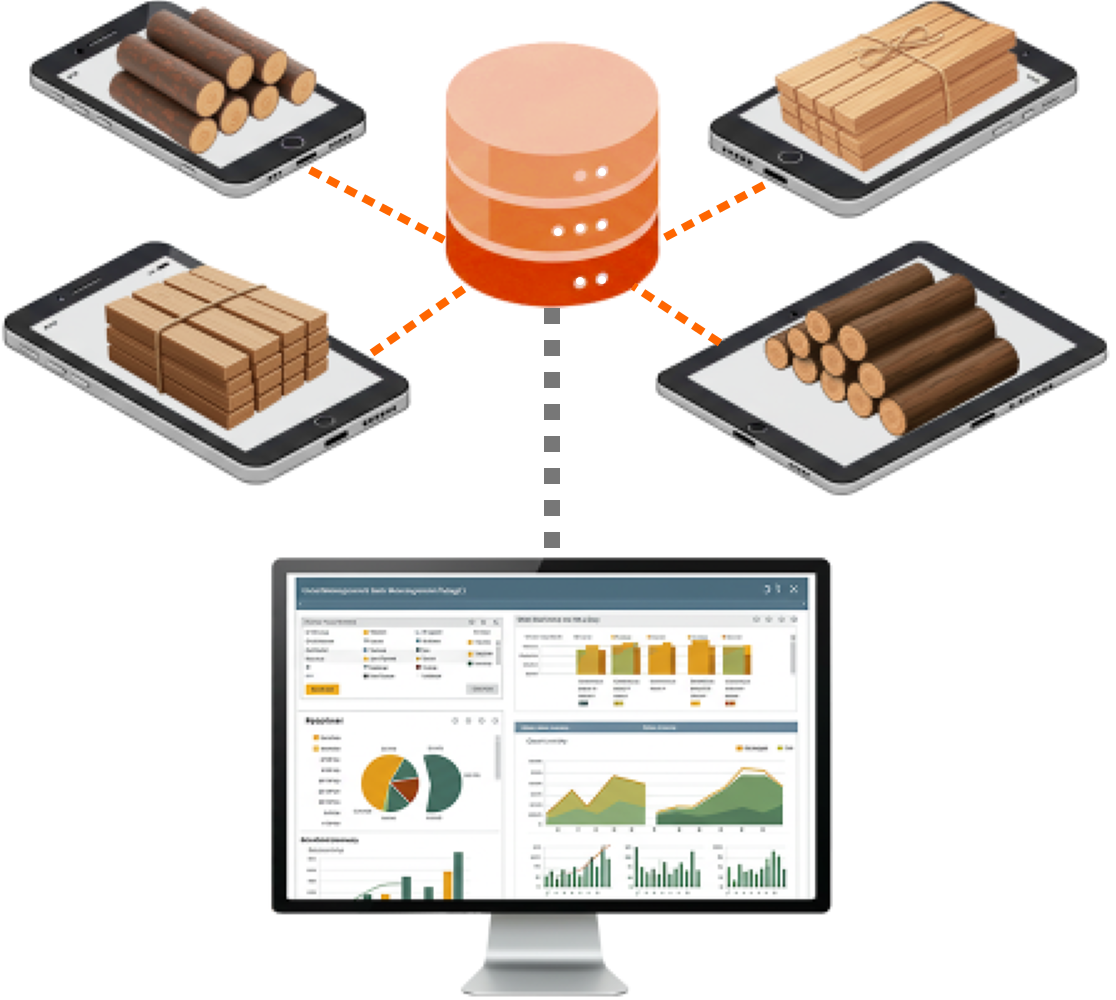
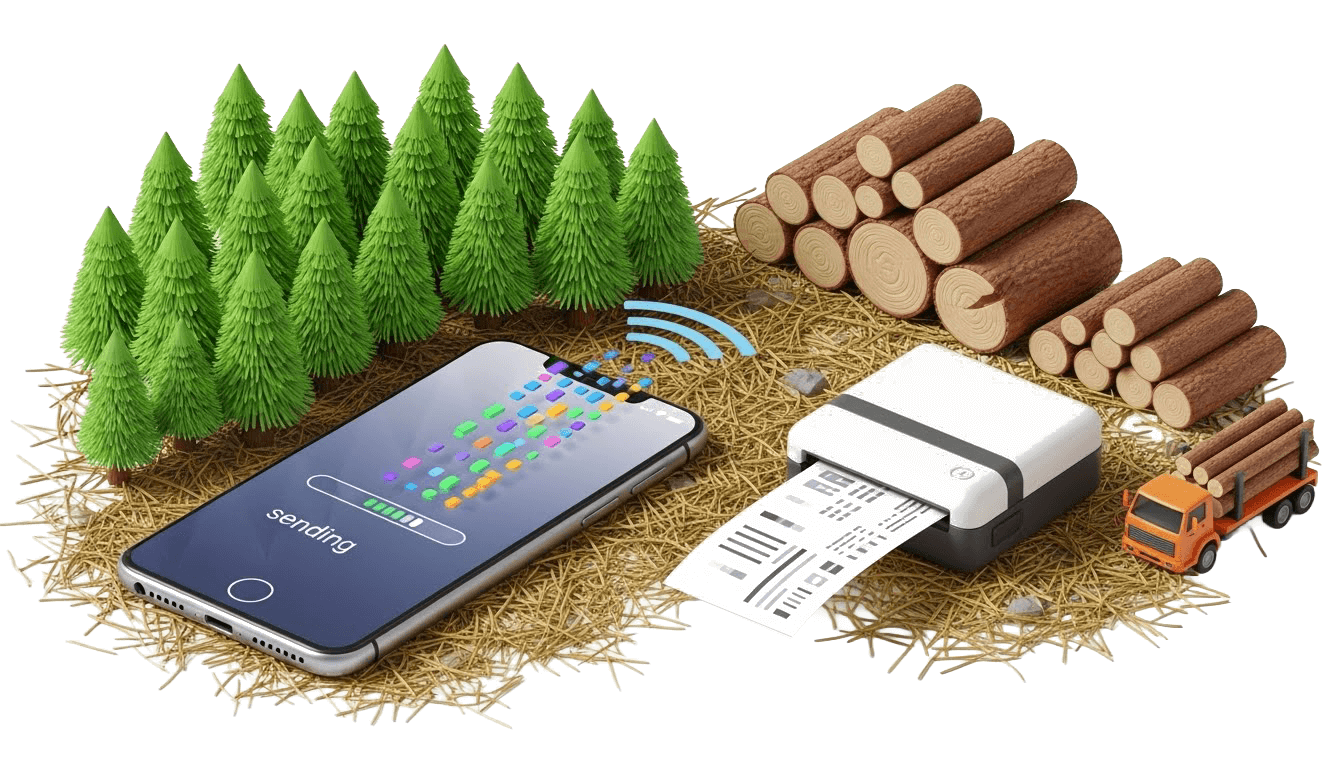
Data collection from multiple mobile devices, printing documents in the field, and automatic connection with your stock management system.
Top Features
Log recordsRecording individual logs, stocktaking, and the location of the lumber yard
Lumber recordsManagement of lumber packs and stock inventory
2 recording modesSale / Purchase
Tally report / PricePrinting of tallies to prearranged documents and forms
Data & settings of talliesSelection of data to be recorded and subsequently transferred.
Assortment / GradesCustom categories according to the quality, parameters, and prices of the goods.
Wood calculatorsWood calculators and converters at your fingertips anywhere and anytime, even without the Internet!
Forest Shepherd Inc.Trevor C.Tomasz W.Piotr N.Сергій К.Ivan H.Sumejja H.Juraj SabolPeter de J.New features and services
Automatic transfer of saved data to stock records
More informationThe only mobile wood log volume calculator with 21 log scale rules!
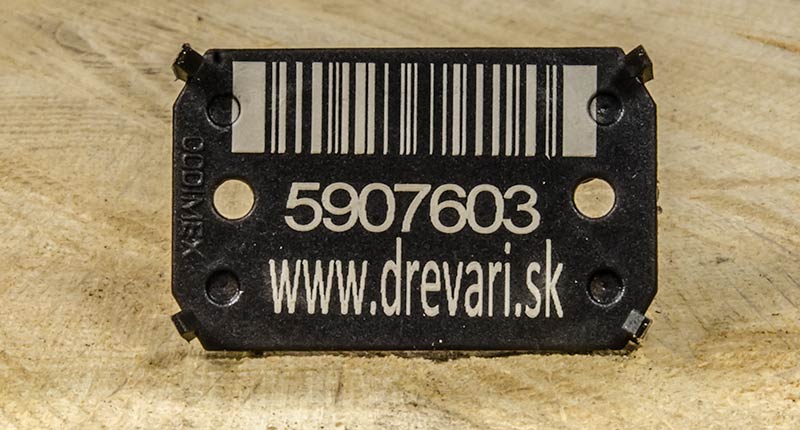
More informationReading barcodes from labels
More informationSaving a photo of the logs to the record
More informationRecording the location where the record was created
More informationFull functionality even without the Internet
More informationSelection of data to be recorded and subsequently transferred.
More informationCustom order of data according to the user’s needs
More informationPrinting of tallies to prearranged documents and forms
More informationCustom categories according to the quality, parameters, and prices of the goods.
More informationLists of suppliers and customers with data for use in records
More informationSelection of wood species used in practice
More informationTallies
Record consists of a header and log or lumber items. The header specifies the main information, such as the name, date, sale/purchase, and the name of the worker or business partner. Items consist of data sets for individual or multiple pieces of logs (diameter, length, wood species) or lumber (length, width, thickness, wood species, quantity).
The user can choose the data, apart from the mandatory ones, that are needed for their work. Creating a record and entering data will then be simple, fast, and tailored to their requirements.
Printing documents directly from the mobile application
Our application allows immediate printing of documents directly in the field – during record-keeping as well as when loading wood, directly to a mobile printer.
Document samples: Delivery note, Wood Transportation
Also available in English
How to?
- Log in to the TIMBERPOLIS system and set the basic details (volume calculation, currency, and VAT).
- Select preferred wood species, enter assortments with prices, and define the data and their order that you want to record.
- Download the mobile application and log in with the same details as on TIMBERPOLIS.
Settings and data (wood species, partners, assortments, and prices) are automatically transferred to the application. - In the application, create a new record, fill in the header, and add log or lumber items.
- The completed record can be printed using pre-prepared forms or sent by email directly from the cell phone.
- The data is also sent to the TIMBERPOLIS system (Stock management), where it can be edited afterward.
- If the user has their own stock software connected, the record is transferred there as well.
License & Subscription
- For access to all application features you must have a valid registration on the portal TIMBERPOLIS!
- After installation of the mobile application, enter your login data (e-mail and password) for the TIMBERPOLIS portal and the application will be fully functional.
- A registered user can choose from different subscription levels depending on how many mobile devices they want to use and how many records they need.
Mobile app installation
Download the Tally Recorder mobile application and get a useful assistant for recording logs in the forest or lumber at the sawmill.
We do not currently offer an iOS version of our mobile apps.
Apple devices with iOS are not suited to the demanding, dusty environments our apps are designed for. For this reason, we recommend using Android devices, especially waterproof and shock-resistant models.Log Scaling
Huber, ČSN 48 0009, STN 48 0009, Sweden, GOST 2708-75, Scribner, Doyle, International 1/4, Smalian (USFS), Newton, Brereton (PNG), Vermont, Universal (Daniels), Ontario Board Foot, Ontario Cubic, Roy, Alberta, BC Firmwood, Hoppus, JAS, Mid-girth, Guo Biao
Data & settings of tallies
The user can choose the data, apart from the mandatory ones, that are needed for their work. Creating a record and entering data will then be simple, fast, and tailored to their requirements.
Order
In addition to selecting the required data, the system also offers the option to determine the order in which it will be displayed. This ensures maximum convenience when working with the mobile application in the field.
Tally report / Price
After completing the record, the mobile application provides an overview of the recorded data and items. If the user has also entered prices for assortments, the mobile application will also create a price overview. The record can then be printed as an overview, or pre-prepared templates can be used to print it as an invoice, delivery note, etc.
Assortment / Grades
The user can create and manage different assortment classes for lumber and logs.
Each class can be customized and may contain the following data:
- Custom label
- Description
- Purchase price
- Selling price
- Tax / VAT %
- Discount %
Trade partners
A database of companies the user works with, including details such as address, VAT number, telephone number, email address, etc. When a partner is assigned to a record, this contact information is automatically filled in in the form and document fields.
Preferred species
The system contains information on more than 300 wood species. For faster and more convenient work, the user can select only the wood species they work with.
Barcode
Photo
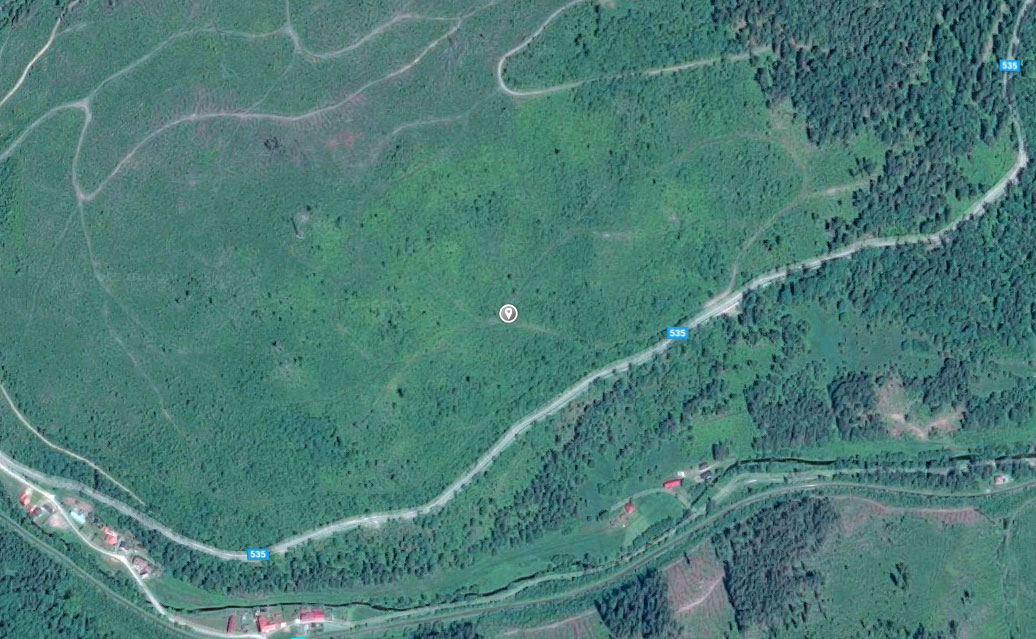
GPS position
Offline
If the mobile device does not have Internet access while working with the mobile application, the record is saved in the internal memory. Once connected to the Internet, the data is transferred to the stock management system.