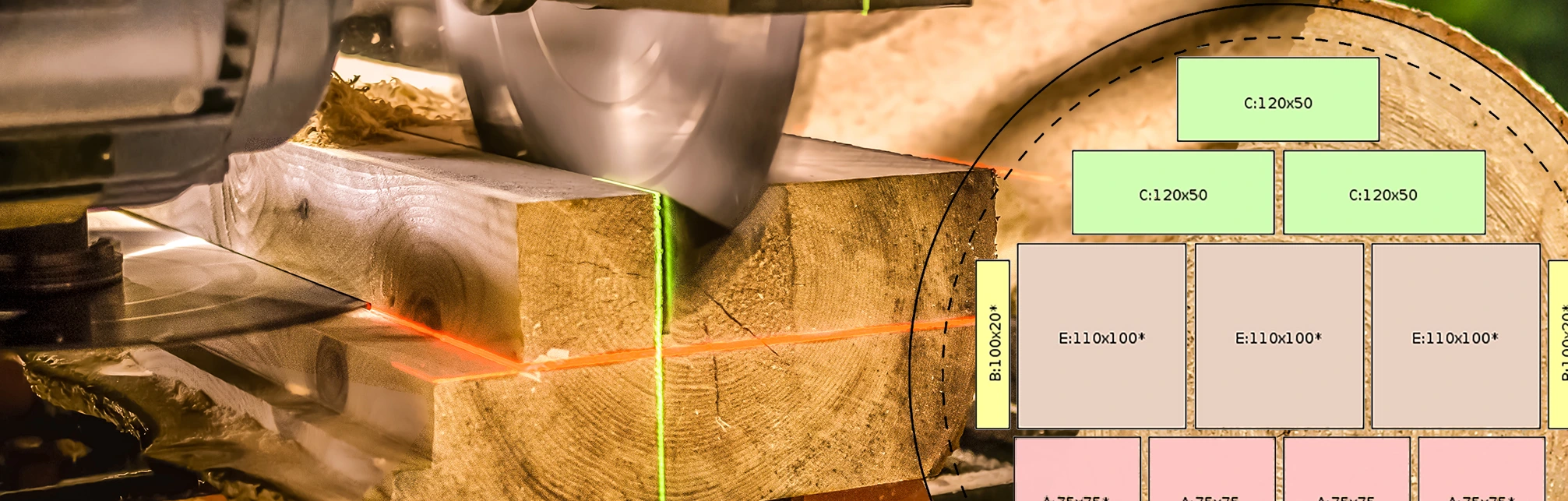



OPTI-TIMB
On-line log-sawing pattern optimization for circular and band sawmills
How it works
Prepared sawing patterns are automatically transferred to the mobile app, where the operator selects a suitable pattern according to the current input dimensions. If PLC data transfer is supported, the cutting data is transferred to the saw control system.
New features and services
Option to transfer data to the saw PLC for automated cutting with cut coordinate loading
More informationDirect preview of the individual cutting steps
More informationOption to enter current log and lumber prices to calculate the final financial result.
More informationRecalculation of yield and profit for each pattern
Sorting patterns by wood species, log diameter, or saving them into folders for the best possible overview
Connection with inventory management and an overview of the availability of log items in stock.
More informationHow to?
- Enter the saw parameters or the parameters of multiple saws, and the dimensions of logs and lumber used, into the system.
- Generate your own sets of sawing patterns.
- Sawing patterns are automatically transferred to the mobile app, where they are always available to the saw operator.
- Based on the log dimensions and the required lumber, the saw operator quickly and easily selects a suitable sawing pattern.
- If the saw supports PLC data transfer, after selecting the pattern the cutting parameters are automatically sent to the saw control system and the cutting process itself can begin.
Generating Sawing Patterns
4 Simple Steps
Once the log dimension tables and lumber item lists are prepared, creating sawing patterns is very fast and easy. Just 4 simple steps are enough for the system to generate suitable sawing patterns according to the specified parameters.
Latest sawing pattern samples
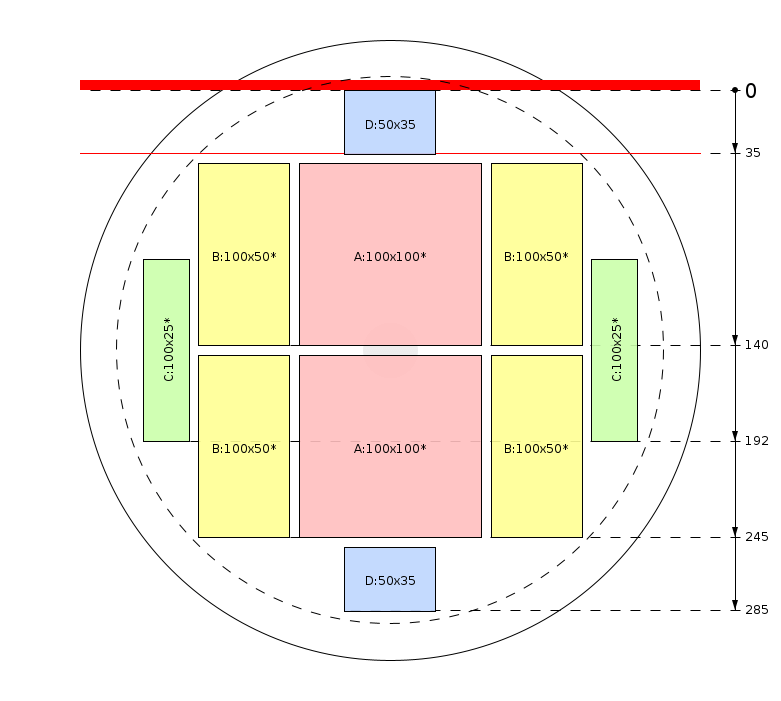

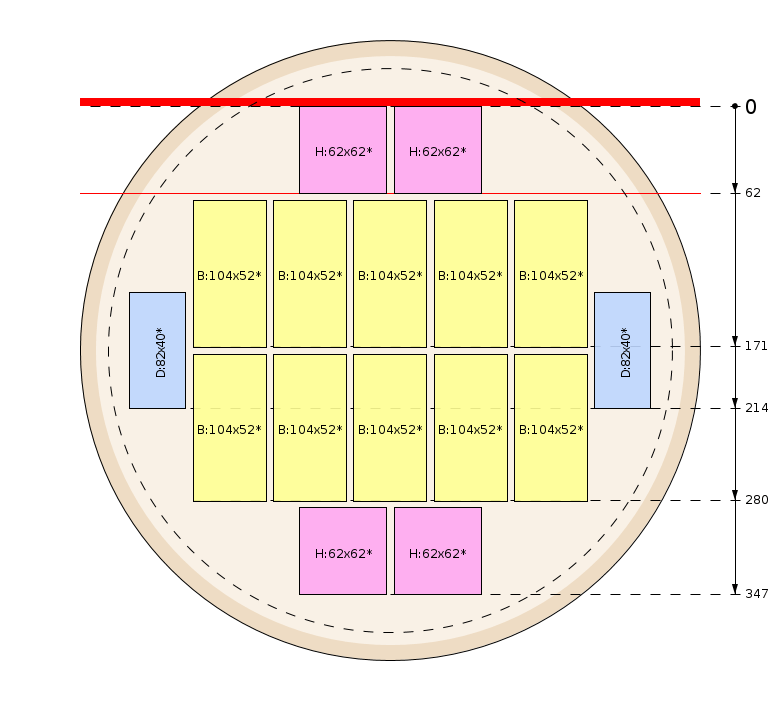
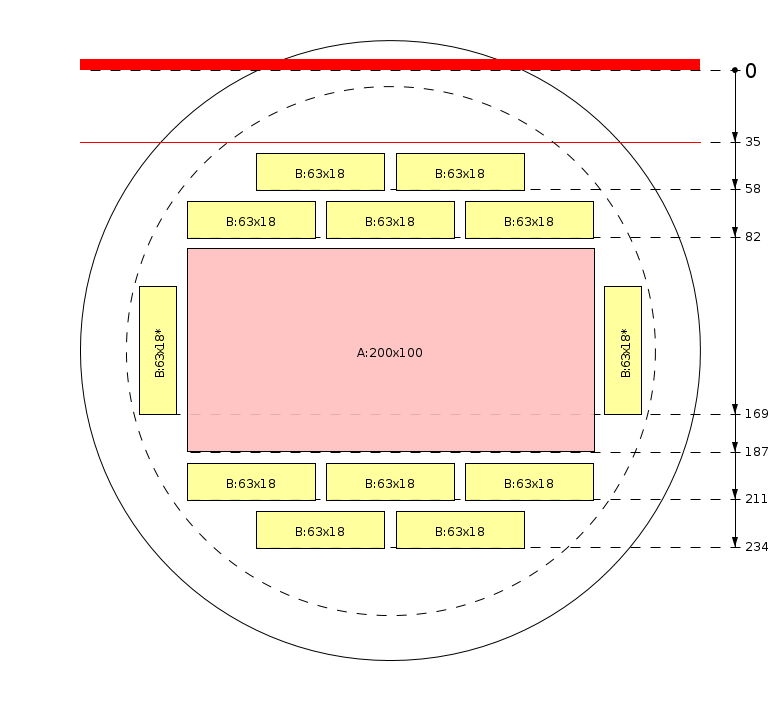
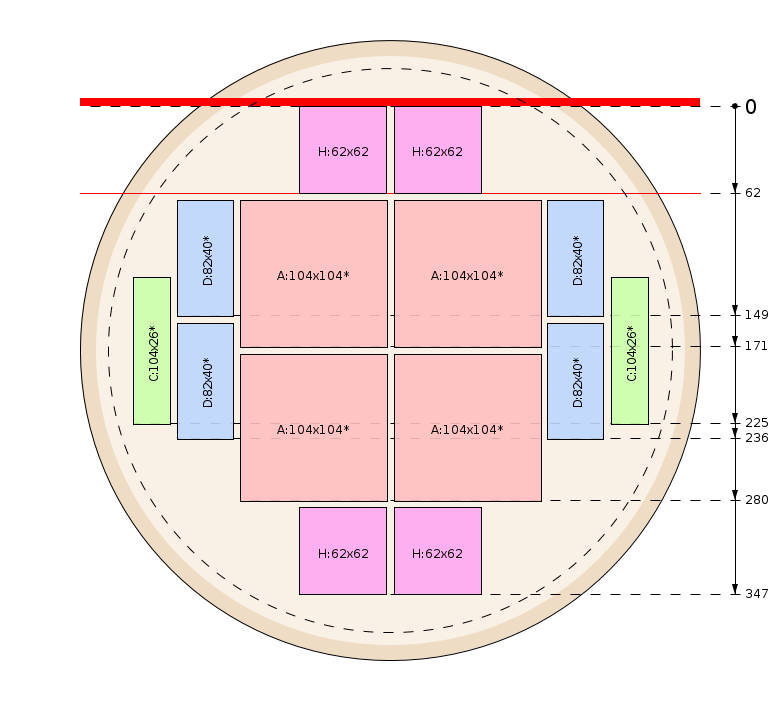
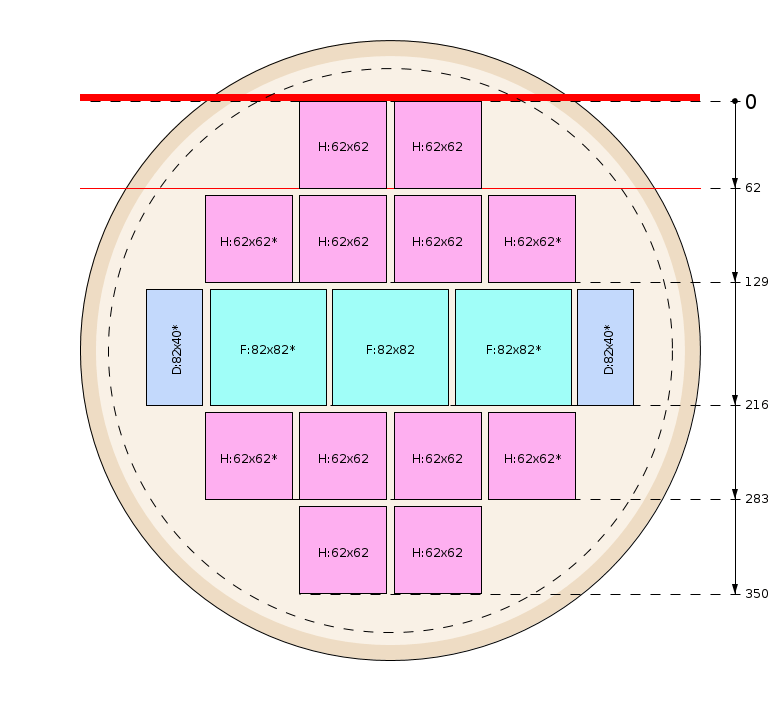
Manual editor
The OPTI-TIMB system allows both manual creation and editing of sawing patterns using the Drag & Drop function. The user arranges the individual lumber items exactly according to their own requirements, and the actual cutting at the sawmill is then carried out according to this pattern.
Mobile application OPTI-TIMB
Full functionality even without internetJust connect to the internet once, perform data synchronization, and the mobile app can then be fully used in offline mode.
Quick search and sortingInstant search for a suitable pattern based on criteria such as wood species, log diameter and length, lumber dimensions, machine used, and other parameters.
Export to PLCOption to transfer data to the saw PLC for automated cutting with cut coordinate loading
Sawing processClear visualization of the individual cutting steps with a clear representation of the log processing workflow.
TalliesA function that allows multiple cutting operations to be combined into blocks for efficiency evaluation, statistical processing, and further production analyses.
Multilingual supportThe mobile app supports 29 language versions and is designed to be easy to use even for users with more limited language skills.
Mobile app installation
Download the OPTI-TIMB mobile app to your phone and get a useful assistant for work at the sawmill.
We do not currently offer an iOS version of our mobile apps.
Apple devices with iOS are not suited to the demanding, dusty environments our apps are designed for. For this reason, we recommend using Android devices, especially waterproof and shock-resistant models.Subscription
- A registered user can choose from different subscription levels depending on the number of sawing patterns they need.
Log Scaling
Huber, ČSN 48 0009, STN 48 0009, Sweden, GOST 2708-75, Scribner, Doyle, International 1/4, Smalian (USFS), Newton, Brereton (PNG), Vermont, Universal (Daniels), Ontario Board Foot, Ontario Cubic, Roy, Alberta, BC Firmwood, Hoppus, JAS, Mid-girth, Guo Biao
Export to PLC
Connecting the OPTI-TIMB system to the saw PLC is a rather demanding process that must be supported by the manufacturer. For more information, it is necessary to contact the saw manufacturer.
Custom pattern
If the user already has their own prepared sawing patterns, the OPTI-TIMB system offers the option to upload them into the system as an image and then search for them according to entered parameters such as wood species and log and lumber dimensions.
Sawing process
After generating a pattern, the OPTI-TIMB system prepares a complete overview of every cut, allowing the user to directly follow and check the proposed cutting steps.
Profit under control
The user can enter the purchase and selling prices of logs and lumber, based on which the OPTI-TIMB system recalculates the profit for each sawing pattern. When prices change, the financial results are immediately updated in all patterns.
Stock inventory
Direct connection with inventory records enables an up-to-date overview of the availability of individual log items based on diameter, length, and wood species parameters.