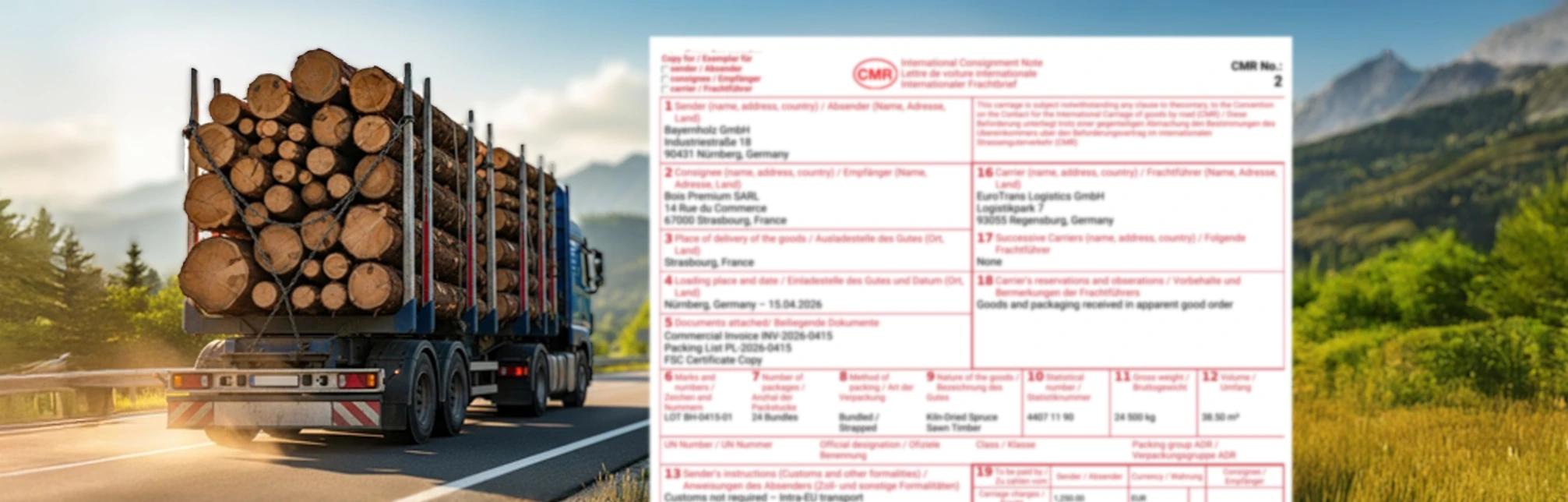
International Consignment Note
Online CMR generator – fast and convenient creation of CMR documents
Key Benefits
 Online access from multiple devices
Access from multiple computers at the same time without the need for a multi-user license. Work from anywhere without being tied to a single device.
Storage and management of consignor, carrier, and recipient data in a central database.
More informationInstant download of the CMR in PDF format, including the standard 4 copies red, blue, green, black.
More informationSend the CMR document by email directly to the client, carrier, or yourself.
Central database of all stored CMR documents with access at any time for archiving and data review.
More informationQuick editing of saved CMR templates for recurring shipments. Significant reduction of administrative burden.
More informationOption to download a blank CMR PDF form suitable for manual completion or use outside the system.
Templates and the contact directory significantly speed up form completion, saving up to 50% of work time.
CMR forms are available in 12 language versions. They comply with European legal requirements.
More informationPreview
User interface
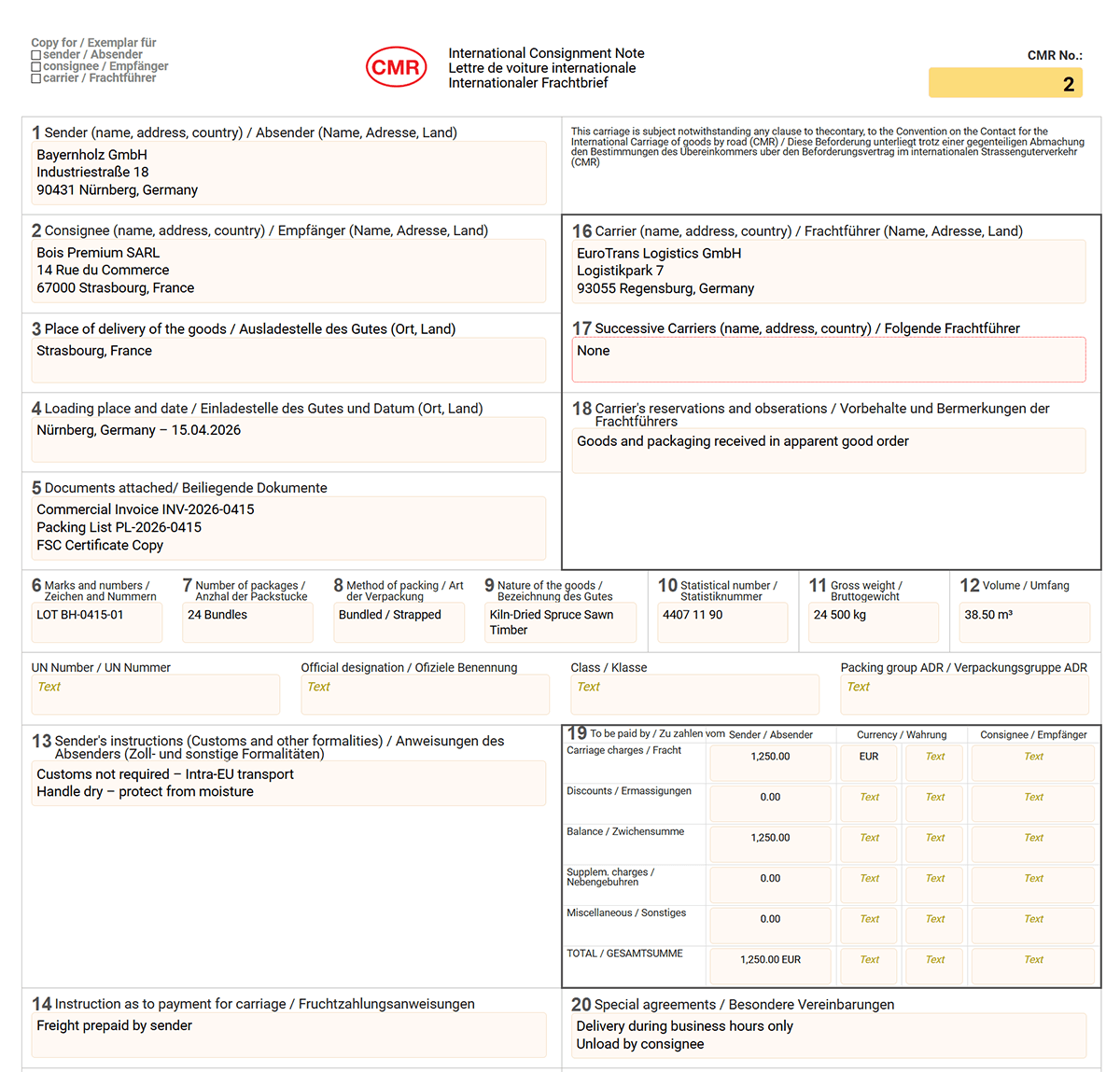
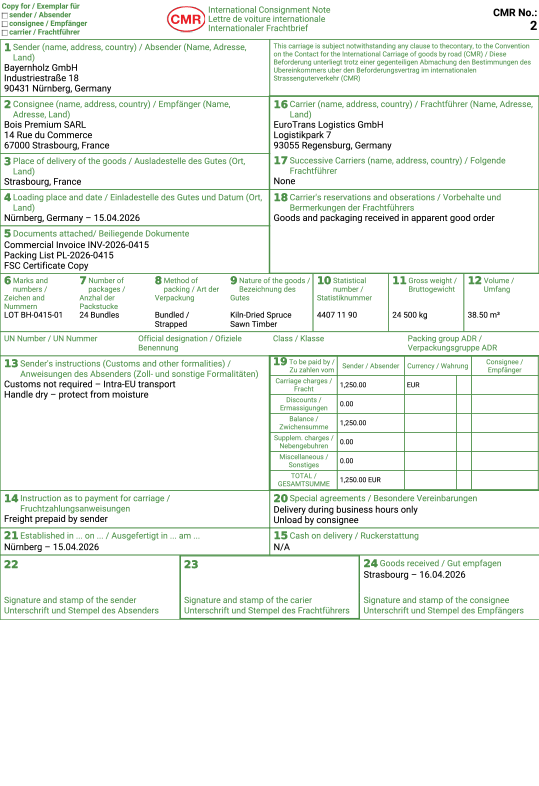
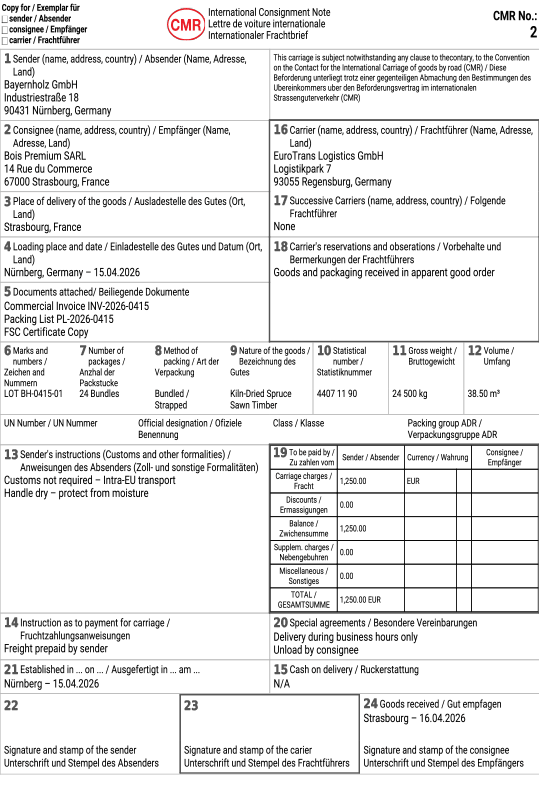
Sample CMR form
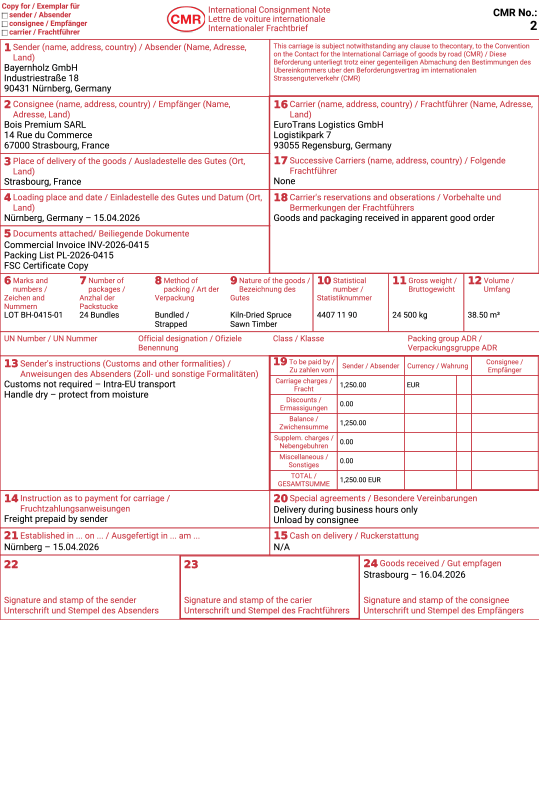
PDF File
How to?
- Create address books for recipients and carriers
- Edit the pre-prepared CMR form templates as much as possible so that they suit your needs.
- Click the "New document" button, select a template, and enter information about the goods and the loading and unloading locations
- After completing the form, save it and export it to PDF format, send it by email, or print it
- The CMR document is automatically stored in your online archive and available at any time
Subscription
- A registered user can choose from different subscription levels depending on how many CMR forms they need.
Database of shippers, carriers, and consignees
The database lets you store and manage contact details for shippers, carriers, and consignees of goods. When creating a new CMR document, simply select an existing contact from the database instead of manually filling in all the details. You can also store frequently transported products with a complete description.
Generating CMR as PDF
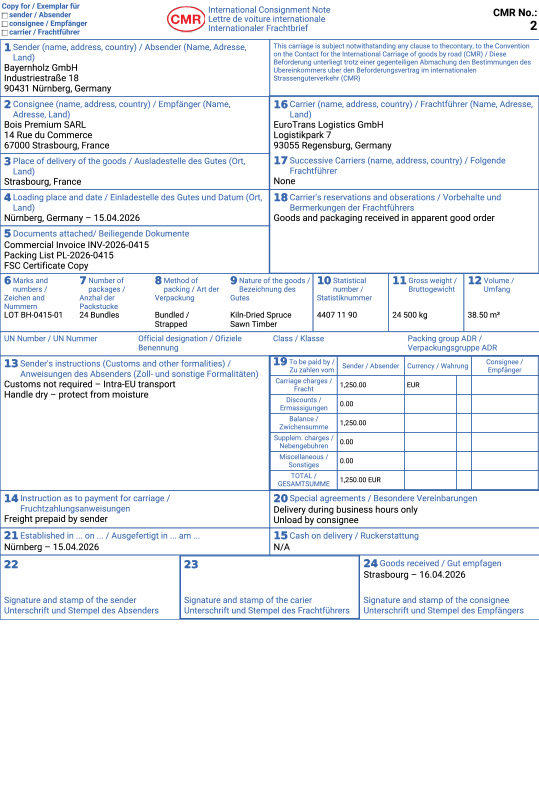
The system automatically generates a CMR document in PDF format with a standard layout in accordance with the CMR Convention. The PDF contains a cover page plus 4 color-coded copies:
- Red copy - remains with the shipper
- Blue copy - travels with the goods to the consignee
- Green copy - for the carrier
- Black copy - fourth copy for additional use
The PDF is optimized for printing on standard A4 paper and contains all mandatory details required under the CMR Convention.
Cloud storage and archive
All generated CMR documents are automatically stored in the cloud archive. This gives you access to your previous CMR documents whenever you need them - whether for checking details, accounting, or communication with consignees and carriers. The archive allows searching by date, consignee, carrier, or CMR number.
Your own pre-prepared templates
CMR templates significantly speed up the process of creating new documents. If you regularly prepare CMR documents for the same partners or on the same routes, save this data as a template. When creating a new CMR, simply select the template, edit only the necessary details, such as the date or quantity, and generate the document. Time savings of up to 50%!
Multilingual support
CMR forms are available in the following languages: English, français, español, polski, italiano, nederlands, русский, česky, magyar, dansk, slovenščina, slovenčina.